
Design on solid ground.
A plinth is the base a sculpture stands on. Plinth is a desktop design tool, built by Shruti: an infinite canvas with components, auto-layout, variables and libraries. It opens the files you already have, and Sushi, or your coding agent, can work on them with you.
Bring the files you already have
Open a .fig, a Sketch or a Penpot file and keep working. Components, variants, auto-layout, variables and styles come across as themselves, not as flat shapes.
- Figma (.fig and pasted layers), Sketch, Penpot, XD, Photoshop, Illustrator, PDF, SVG and Excalidraw.
- Design tokens in: Figma Variables exports, plain DTCG and Tokens Studio.
- Plinth reads what a file is from its contents, not its name.
- A report lists what came across, what was approximated and what was left out, so nothing goes missing quietly.
- Missing fonts are named, so you know what to install.
Came across
Pages4
Layers1,284
Components and variants62
Variables, in 2 modes48
Text and colour styles21
Approximated
Söhne isn't installed, so it's set in Inter36
Left out
Prototype links12
- .fig
- Figma paste
- Sketch
- Penpot
- XD
- Photoshop
- Illustrator
- SVG
- Excalidraw
- Tokens
Your coding agent can edit the design
Connect the Sush harness and the agent that writes your code can read and change your design file too, so the button in the design and the button in the repo stop drifting apart.
- A local connection on your own computer: nothing goes through a server.
- Plinth asks before Sush can use it, and you can turn connections off.
- The agent gets the same tools as Sushi: read the layer tree, search, create, update, make components.
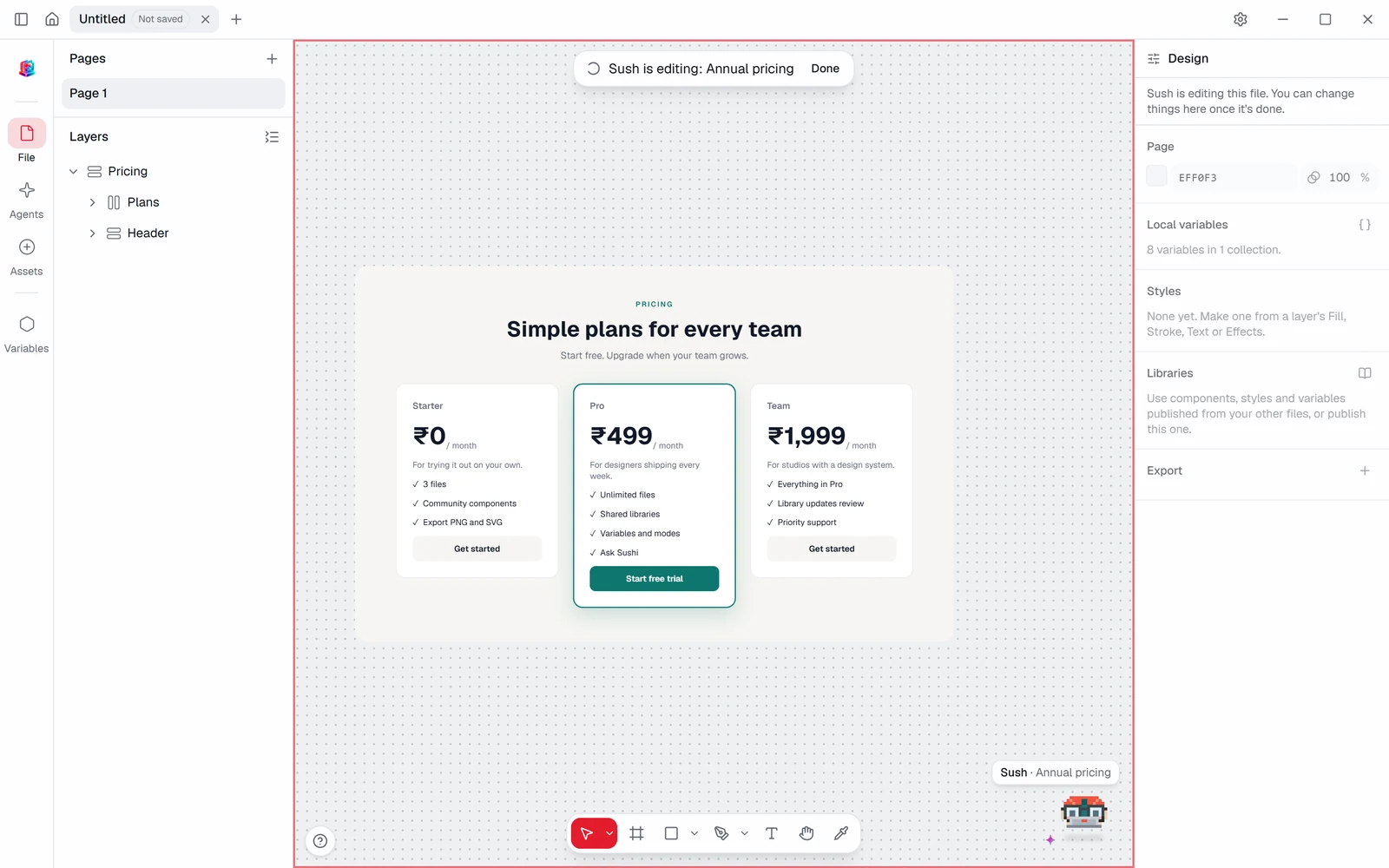
- The canvas is read-only while Sush edits, then the whole turn undoes as one step.
An assistant that shows its work
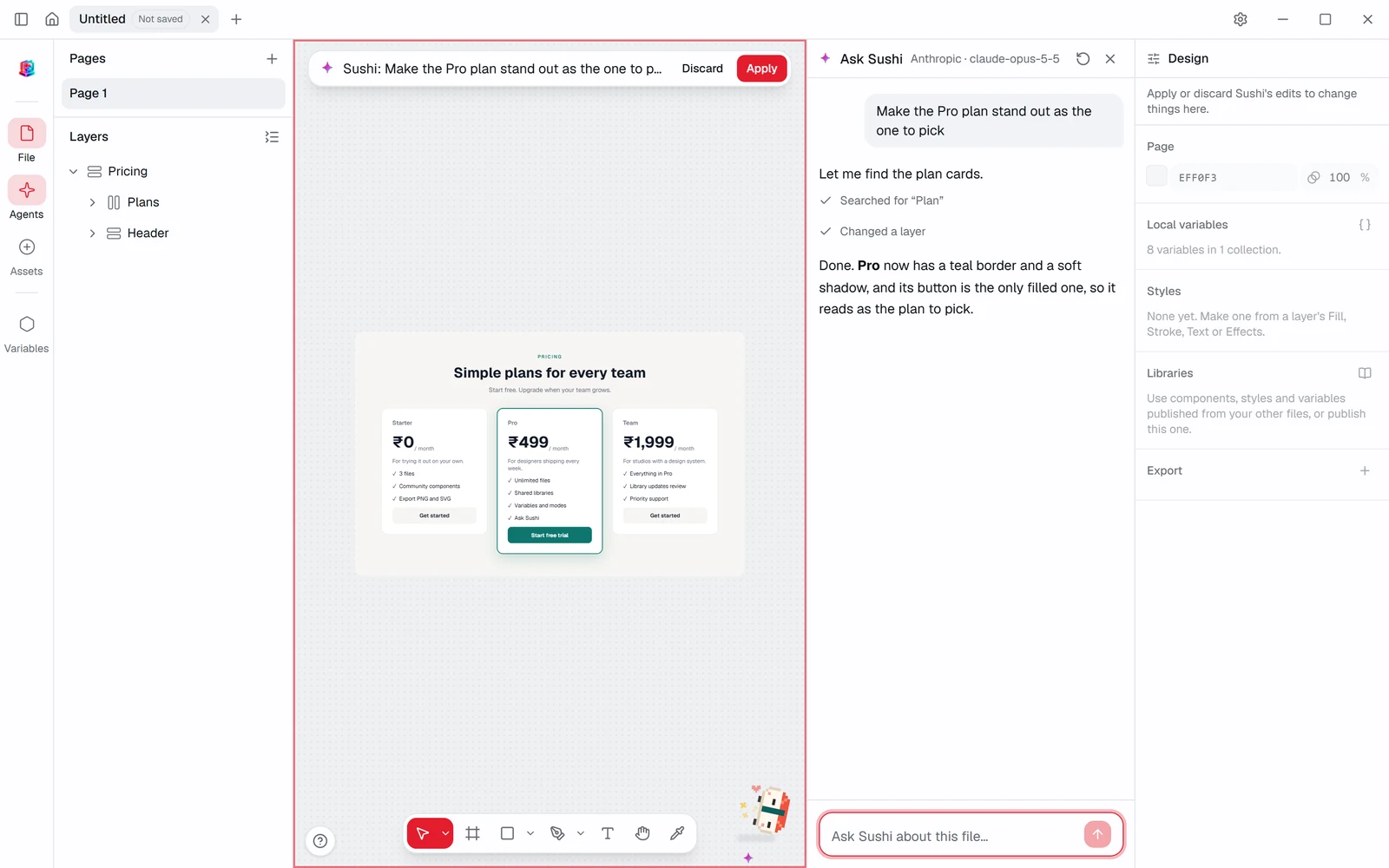
Ask Sushi about the file or ask it to change things. Its edits land on the canvas as a preview, and nothing sticks until you press Apply.
- Your own model and key: Anthropic, OpenAI, Gemini, OpenRouter, a local Ollama model or any compatible endpoint.
- Keys stay in your operating system's keychain.
- Each step is shown as it happens: searched, changed, made a component.
- One undo takes back a whole turn, labelled with what Sushi did.
- Ask "Which layers don't use a style for their colour?" and it lints the file.
Layouts that hold their shape
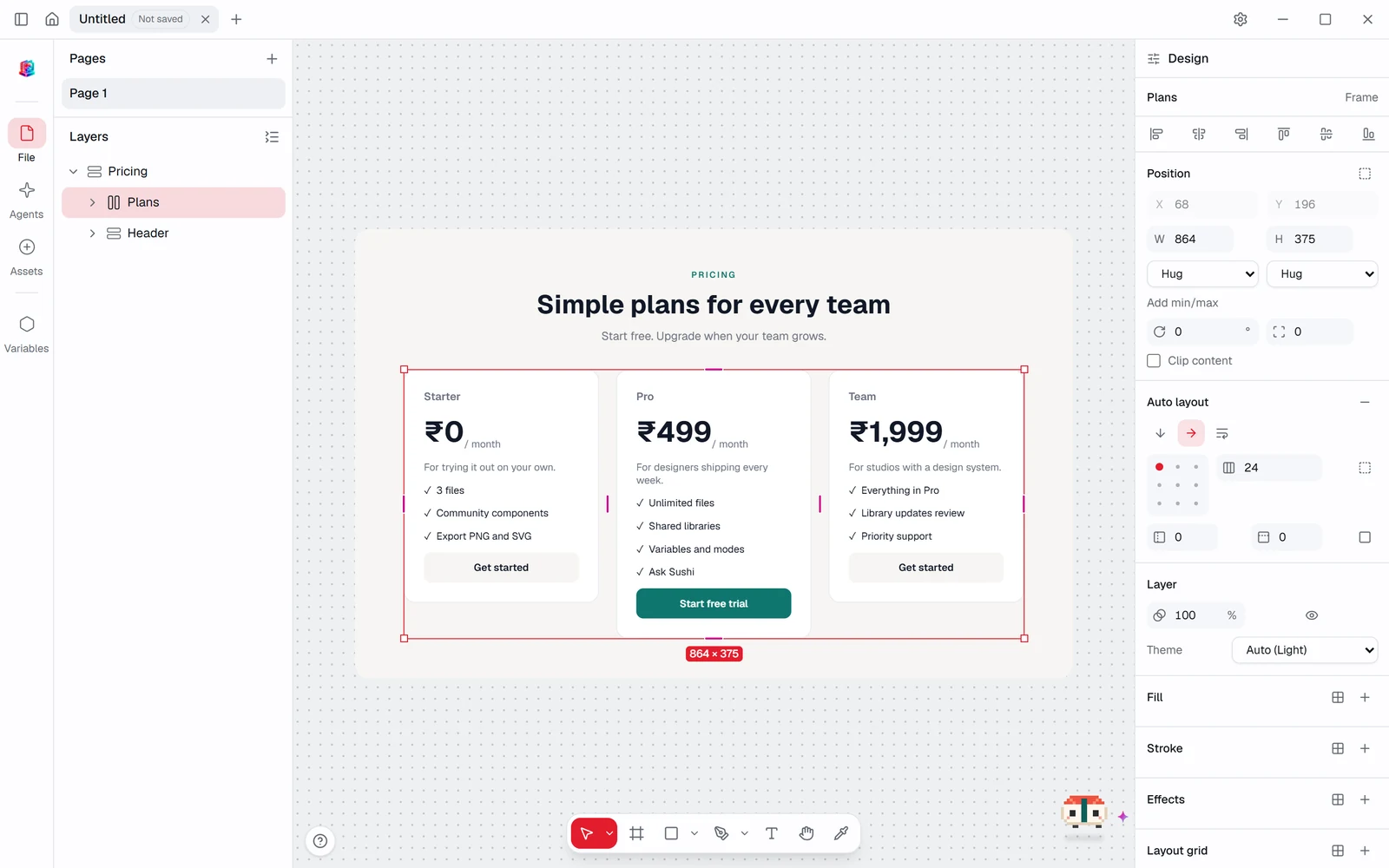
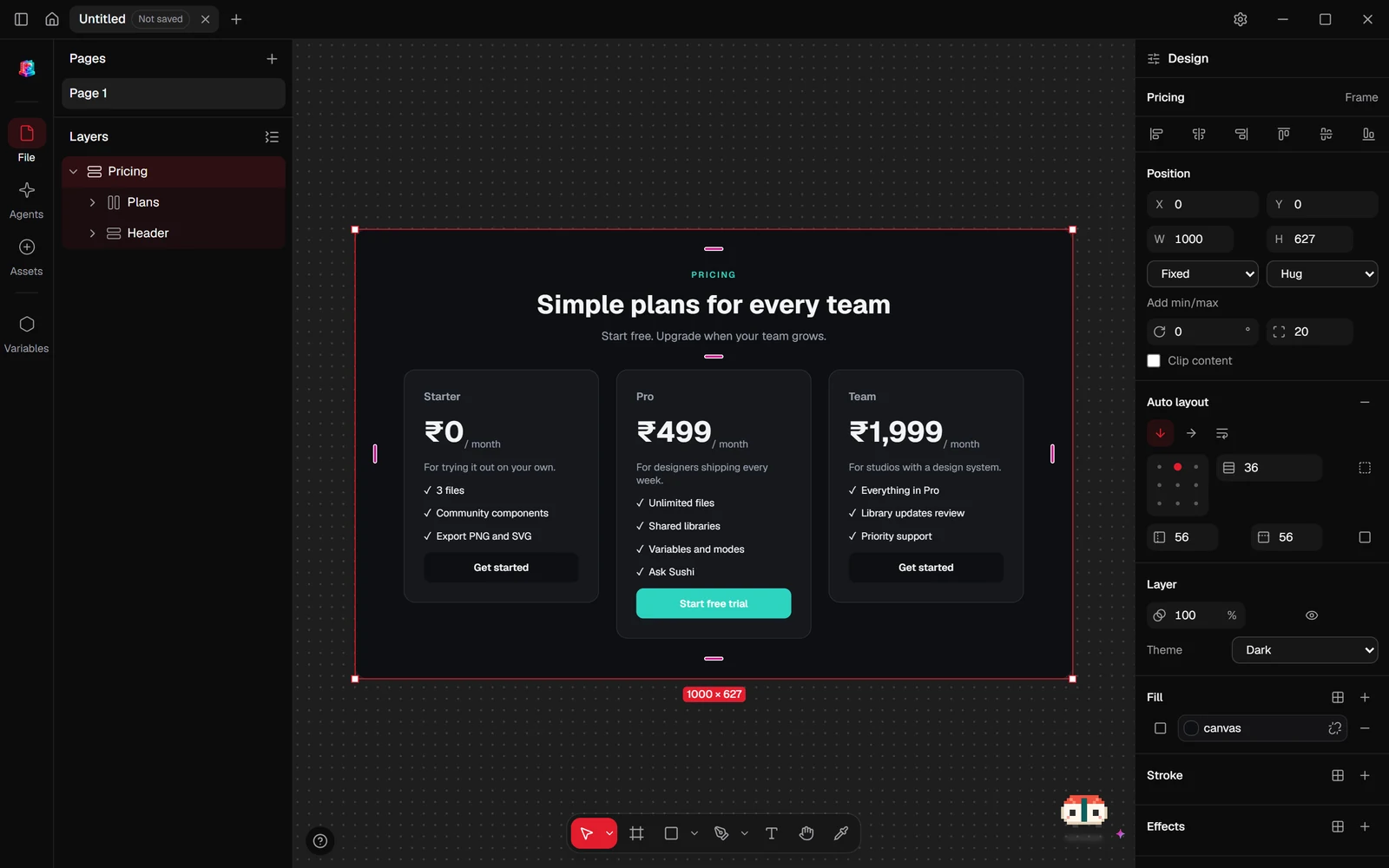
Stack layers in rows or columns that hug their content, fill their parent or stay fixed. Drag padding and gaps right on the canvas, then copy the result as CSS.
- Hug, fill and fixed sizing, with min and max widths and heights.
- Padding and gap handles on the canvas, and drag to reorder.
- Constraints and layout grids for everything outside a stack.
- Copy as CSS, with bound values written as var(--name, value).
Layers
Pricing
Heading
Plans
Plan / Free
Plan / Pro
Pick a plan
Auto layout
Fill
■surfaceRadius
◜radius/lg/* Plans · Auto layout */
display: flex;
gap: 16px;
padding: var(--space-6, 24px);
background: var(--surface, #FFFFFF);
Components, variables and libraries
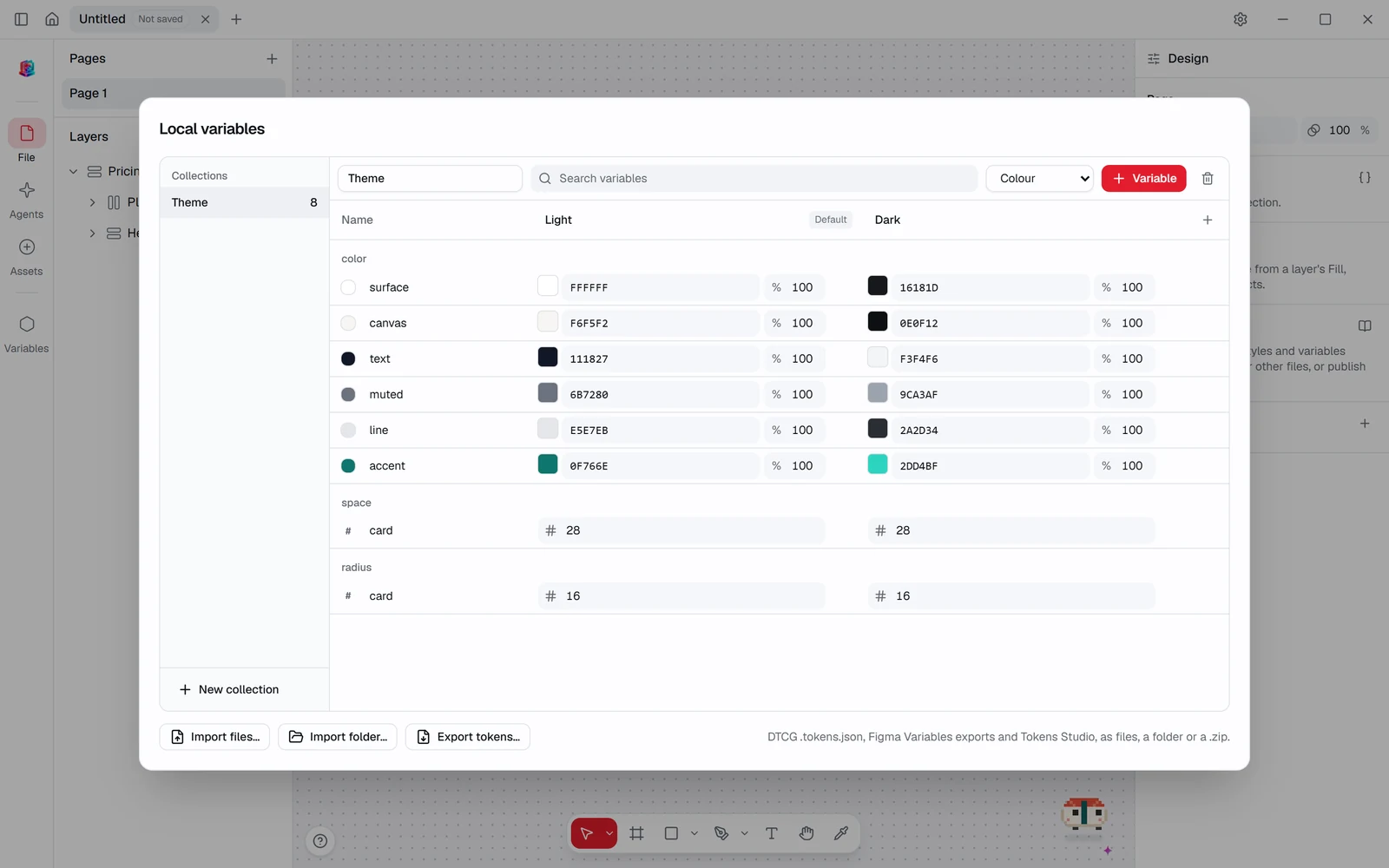
Build a button once, make its variants, and use it everywhere. Bind colours and spacing to variables with Light and Dark modes, then publish the lot as a library.
- Component sets with variants, properties and instance overrides.
- Variables in collections with modes and aliases, plus paint, text, effect and grid styles.
- Tokens out in Figma's Variables format and DTCG.
- Publish a versioned library and use it in other files. Updates wait for you to review them, item by item.
Fast with thousands of layers
The design engine is written in Rust and runs in the window as WebAssembly, so panning, zooming and relayout stay smooth on big files.
- A release test keeps relaying out 5,000 auto-layout layers under 8 ms per edit.
- Every edit is one undo step, with the same history for you, Sushi and Sush.
- Your work is saved as a .plinth file on your disk, not in someone's cloud.
- A recovery copy is written within 1.5 seconds of your first unsaved change.
Layers 5,000
Relayout< 8 ms
The small things, too.
The parts you'd miss on day one if they weren't there.
Vector networks
Pen and pencil, vector editing, live booleans and outline stroke.
Export
Export layers and icons as PNG or SVG.
Tabs
Keep several files open in one window, each with its own history.
Your shortcuts
Familiar bindings out of the box. Rebind any of them in Settings.
Command palette
Search every command by name and run it from the keyboard.
Rulers and outlines
Rulers on the canvas, and outline mode to see what's under the fills.
Recovery
If the app closes unexpectedly, your unsaved work is waiting when it opens.
Light or dark
Follows your system, with an accent colour of your choosing.
Be there first.
Plinth is in progress, and Shruti posts each piece as it lands. Write to us for an early build, or follow along on X.